
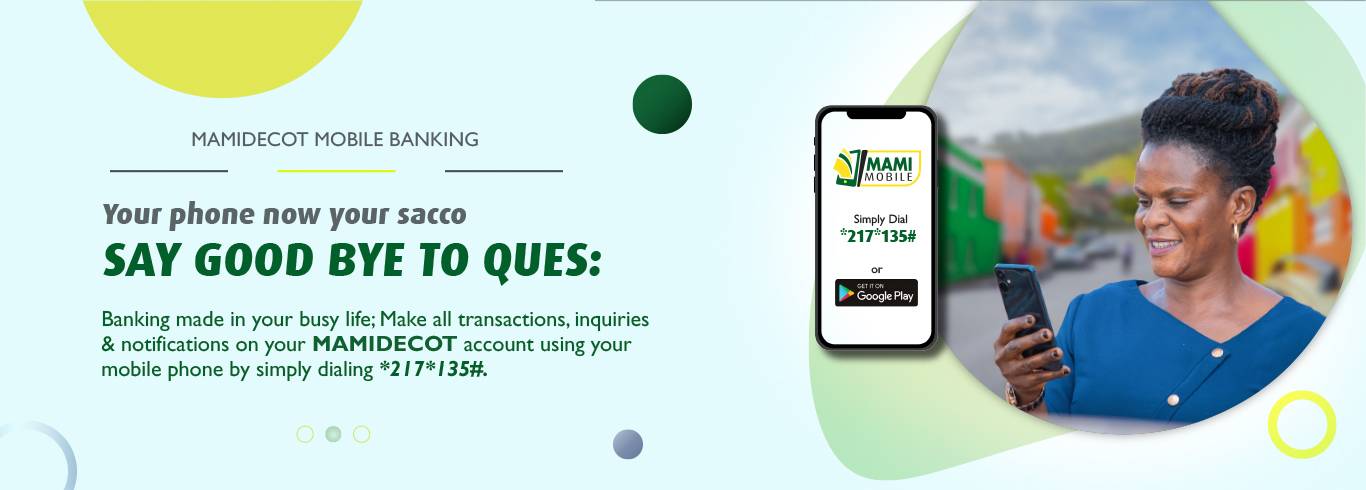
Mobile Banking Services
Mami Mobile is a mobile banking service that allows our customers to transfer funds between their accounts and mobile money, check their bank account balance & recent transactions, and purchase airtime directly from their bank account as detailed below:
Transfer your funds between MAMIDECOT and mobile money
Dial *217*135# to move money between your Mamidecot account and Airtel or MTN Mobile Money account to deposit or withdraw respectively. To get started, register for free at any of our branches. After submitting your application, you should receive an SMS with your OTP within a few minutes. Dial *217*135# to set your own PIN marking the end of the registration process. Our Mobile Banking Services Include :
- Cash Deposits
Move funds from mobile money to your MAMIDECOT account at anytime. To deposit Cash, select Funds Transfer option on the main menu and follow the prompts.
- Cash Withdrawals
Move funds from your MAMIDECOT account to mobile money account using your phone.
- Check Account Balance.
To check your balance, select ‘Account Balance Option ’ on the main menu and follow the prompts.
- Change Security PIN
To change your PIN, select ‘PIN Reset Option’. Please note that you will need to enter your current PIN. If you don’t know your PIN, please contact the nearest branch or our customer care for support.
- Mini Statement
To check your recent account activity, select ‘Mini Statement’ and follow the prompts. You will receive your last five transactions made.
- Pay School Fees
To pay school fees, select ‘School Fees Option’ on the menu and follow the prompts.